Imagine sketching a character on a napkin and watching it leap into a fully animated, 10-second video. Or taking a stunning landscape photo and bringing it to life with rolling clouds and flowing water. This isn’t a scene from a sci-fi movie; it’s the power of modern artificial intelligence, and tools like Kling AI are putting it directly into the hands of creators everywhere.
Kling AI is an advanced AI video generation platform that specializes in transforming static images and text prompts into dynamic, short video clips. It’s designed for a wide range of users, from social media managers and marketers to artists and hobbyists looking to add a new dimension to their content. This comprehensive guide will walk you through everything you need to know about Kling AI—from its core features and pricing to its content policies and how to get started.
Quick Snapshot: Kling AI at a Glance
- Core Function: Primarily an image-to-video AI generator, also capable of text-to-video and video animation/extending.
- Key Features: High-quality video generation, “ai reference image” style control, video duration extension, and user-friendly animation tools.
- Platforms: Web-based platform and a mobile app (Kling AI app) available through official app stores.
- Access: Requires a Kling AI login via account creation. A Kling AI free tier is typically available with limitations.
- Cost Model: Operates on a credit system (Kling AI credits); specific Kling AI pricing for plans varies.
- Watermark: Free-generated videos often include a watermark; paid plans usually offer watermark-free exports.
- Versions: The platform has evolved through versions like Kling AI 1.0, 1.5, and 1.6, with each generally improving video quality, coherence, and feature sets.
Note: Specific details on pricing, credit costs, and feature availability are subject to change. Always verify the latest information on the official Kling AI com website.
What is Kling AI?
Kling AI is developed by a Chinese AI company, Kling (or 可灵 AI), which is part of the larger tech ecosystem that includes Meitu. The product has gained significant attention for its ability to generate highly coherent and visually impressive videos from a single image and a text prompt. Unlike some AI video tools that only work with text, Kling AI‘s strength lies in its sophisticated understanding of the spatial and depth information within an image, allowing it to create believable motion.
Its core capabilities make it a powerful Kling AI video generator:
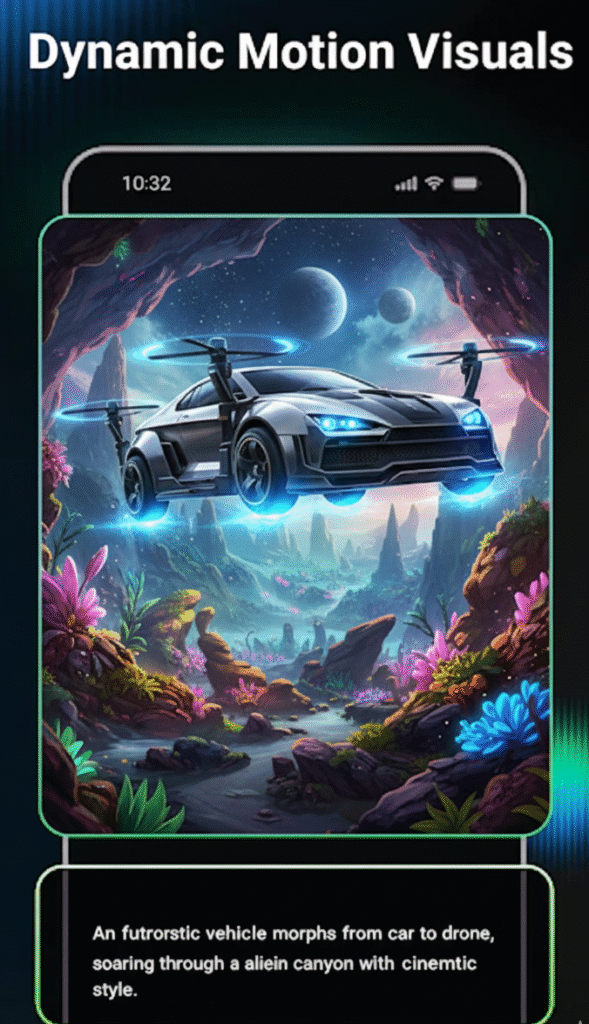
- Image-to-Video (Kling AI image to video): Upload any image, and the AI animates it based on your text description.
- Text-to-Video: Generate a video from scratch using only a text prompt.
- Video Animation & Extension (Extend Video AI): Upload an existing video clip and use AI to extend its length or add new animated elements.
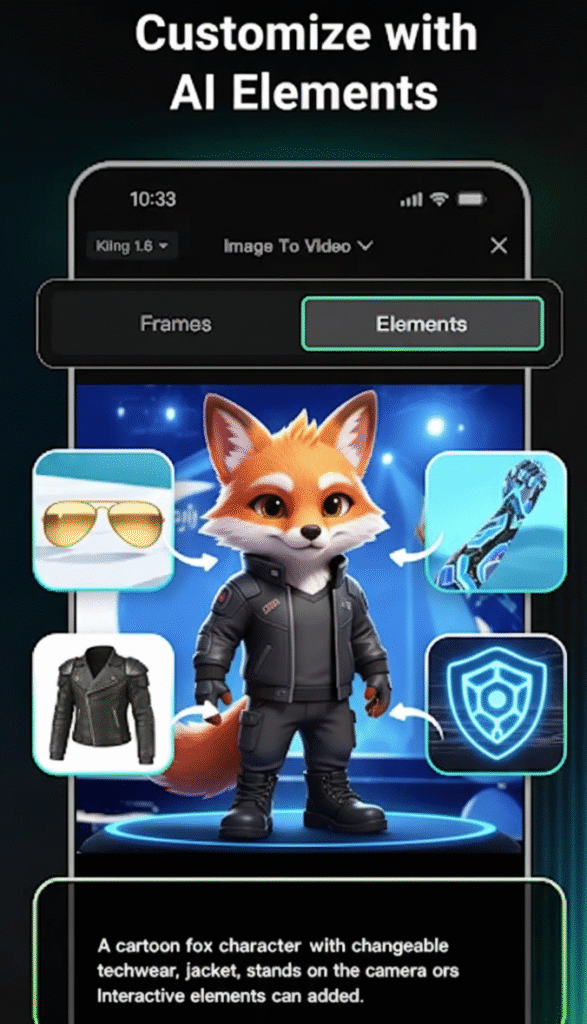
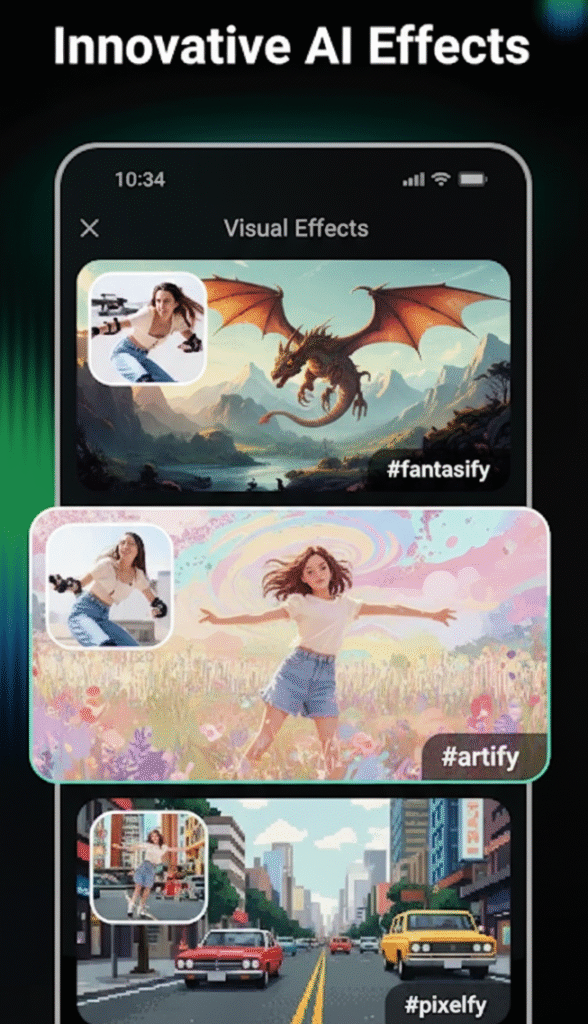
- Reference Image Control: Use an “ai reference image” to guide the style, color palette, and aesthetic of your generated video, ensuring consistency with your brand or artistic vision.
Getting Started with Kling AI
Beginning your journey with Kling AI is straightforward.
- Account Creation and Kling AI Login: Navigate to the official website or download the official Kling AI app from the Apple App Store or Google Play Store. You’ll need to create an account, often using an email or a social media profile. Your Kling AI login will be your gateway to the platform.
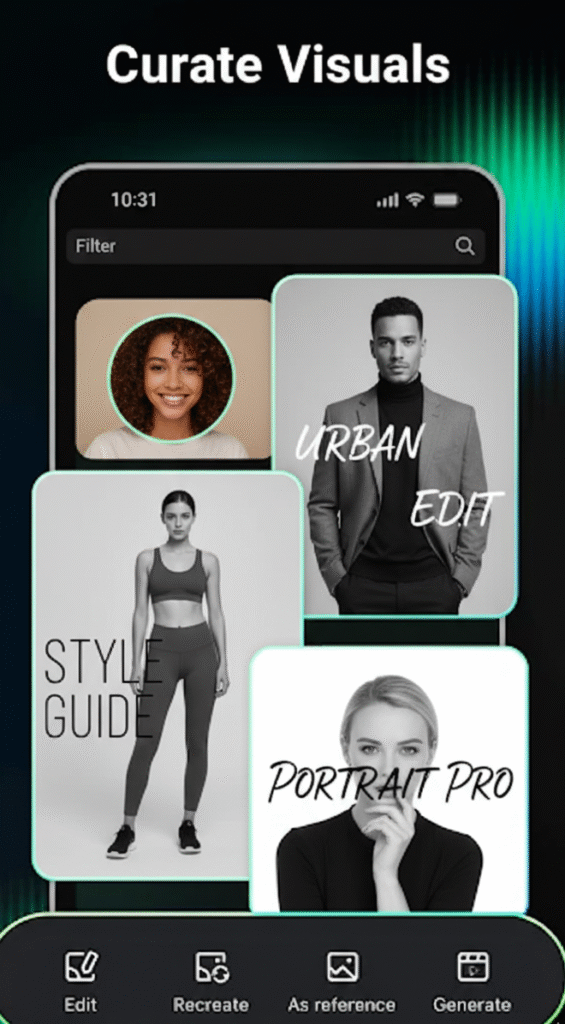
- Interface Overview: Once logged in, you’ll typically find a clean dashboard. Key areas include:
- A central button to start a new creation (e.g., “Create Video”).
- Input fields for your text prompt and image upload.
- A gallery or library of your previously generated Kling AI videos.
- Settings or profile section to manage your account and check your remaining credits.
Kling AI Pricing and Credits: How Much Does It Cost?
Understanding the Kling AI pricing model is crucial for effective use. The platform primarily operates on a credit-based system.
The Concept of Kling AI Credits
Think of credits as the currency within Kling AI. Each video generation consumes a certain number of Kling AI credits. The exact credits per video can depend on the video’s resolution, duration, and complexity. As of mid-2024, a common estimate is that a standard generation might cost around 10 credits, but this is a prime example of a detail that can change.
Free vs. Paid Tiers
- Kling AI Free Tier: Most users start with a free plan that provides a limited number of credits daily or weekly. This is the true Kling AI video generator free experience, perfect for testing and learning. However, videos generated on the free plan are almost always branded with a Kling AI watermark.
- Paid Subscriptions: Paid plans (e.g., Pro, Premium) offer a larger monthly allotment of Kling AI credits, faster generation times, priority access, and most importantly, the ability to export videos without the Kling AI watermark. When users ask “how much is Kling AI,” they are typically directed to the official pricing page, where subscription tiers are listed. You can check the price by clicking here
Kling AI API and API Pricing
For developers and businesses looking to integrate Kling AI‘s capabilities into their own applications, an API is available. Kling AI API access is typically a separate service with its own Kling AI API pricing structure, often based on volume of usage. You would need to contact the Kling AI company directly for the most current enterprise-level pricing and terms.
Kling AI Versions and Updates: 1.0, 1.5, and 1.6
AI video generation is a rapidly advancing field. Kling AI has released several version updates, each signifying a leap in quality and capability.
- Kling AI 1.0: Represented the initial public release, establishing the core image to video AI functionality.
- Kling AI 1.5: Likely introduced significant improvements in video realism, motion smoothness, and prompt understanding. This version probably made the generated Kling AI video much more coherent and less prone to visual artifacts.
- Kling AI 1.6 (or later): The latest version, as of this writing, presumably builds on previous successes with enhanced model stability, more realistic physics simulation (like fluid and cloth dynamics), and potentially new features for longer or higher-resolution video generation.
It’s important to note that for most end-users, the version number is less critical than the current output quality. The platform you access via your Kling AI login is generally the latest available version.
How to Use Kling AI: A Step-by-Step Workflow
Let’s break down a typical workflow for creating an AI-generated image masterpiece.
1. The Image-to-Video Process
- Start with a Strong Image: Choose a high-quality, clear image with a well-defined subject. The AI needs to understand the scene to animate it properly.
- Craft a Detailed Prompt: Be specific. Instead of “a moving car,” try “a red vintage car driving smoothly down a rainy city street at night, with neon lights reflecting on the wet pavement.”
- Use the Reference Image Feature: If you have a specific style in mind, use the “ai reference image” function. Upload a painting, a screenshot from a movie, or another photo to guide the color and texture of your output.
- Generate and Iterate: Your first result might not be perfect. Use the same image with a slightly altered prompt to get variations until you’re satisfied.
2. Extending and Animating Videos
The extend video AI feature is powerful for making your clips longer. If you have a 3-second clip you like, you can prompt the AI to “extend this video by 2 seconds, showing the character walking further into the forest.” This Kling AI animation tool allows for creative storytelling by building upon existing footage.
3. Exporting and Watermarks
Once you have a video you love, you can export it. Free users will find their videos contain a Kling AI watermark. A common search query is “kling ai remove watermark.” It is vital to understand that using third-party tools or modified apps to illegally remove the watermark is a direct violation of Kling AI‘s Terms of Service. The legitimate way to create watermark-free videos is by subscribing to a paid plan.
NSFW and Content Policies
A frequently asked question in creator communities is, “Does Kling AI allow NSFW?” or “What is the Kling AI NSFW policy?”
As a general rule, mainstream AI platforms like Kling AI prohibit the generation of Not-Safe-For-Work (NSFW), sexually explicit, violent, hateful, or otherwise harmful content. Their automated systems and community guidelines are designed to filter out such prompts. Attempting to generate Kling AI NSFW content will likely result in a failed generation, a warning, or in severe cases, account suspension. Always review the official Acceptable Use Policy on Kling AI com to understand the boundaries.
Apps, APKs, and Security
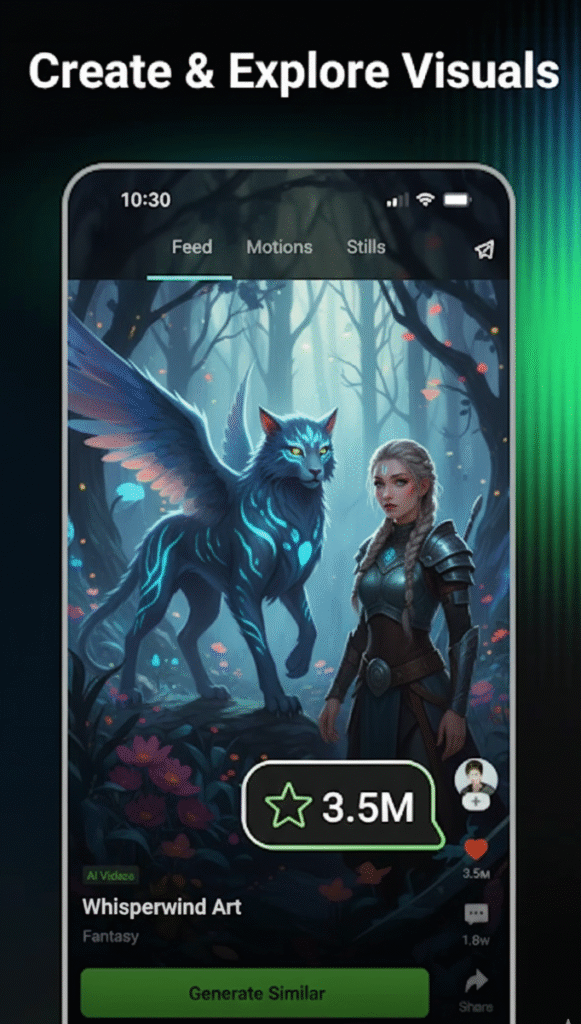
The Official Kling AI App
The safest way to use Kling AI on mobile is through the official Kling AI app, available for download on the Apple App Store and Google Play Store. Searching for “app kling ai” or “kling ai app download” should lead you directly to the legitimate source.
A Critical Warning on Mod APKs
You may encounter searches for “kling ai mod apk,” “kling ai apk premium unlocked,” or “kling ai app mod apk.” These are modified versions of the app that claim to offer free, unlimited access to premium features.
We strongly advise against downloading or using these files.
- Security Risk: These APKs are not vetted by official app stores and often contain malware, spyware, or viruses that can compromise your personal data and device security.
- Legal and Policy Risk: Using them violates Kling AI‘s Terms of Service, which can lead to a permanent ban. It is also a form of software piracy, which is illegal.
- No Support: These mods are often unstable, buggy, and will not receive updates or support.
Stick to the official Kling AI app store channels for a safe and reliable experience.
The Kling AI Affiliate Program
For influencers, educators, and content creators who love the product, Kling AI may offer an affiliate program. The Kling AI affiliate program typically allows you to earn a commission by referring new users to the platform through a unique tracking link. Specific terms, commission rates, and requirements should be sourced directly from the official Kling AI website.
Best Practices and Prompting Tips
To get the most out of your Kling AI credits, follow these tips:
- Prompt with Precision: The more descriptive your prompt, the better. Include details about camera movement (e.g., “dolly zoom,” “slow pan left”), lighting (“cinematic,” “soft morning light”), and emotion.
- Choose Images Wisely: Images with a clear foreground and background allow the AI to create more compelling 3D-like motion.
- Embrace the Reference Image: This is one of Kling AI‘s most powerful features. Use it to maintain a consistent artistic style across multiple video generations.
- Iterate and Learn: Don’t get discouraged by a weird result. See it as a learning opportunity. Analyze what went wrong, adjust your prompt or image, and try again.
Key Takeaways and Rationale
Before you dive in, remember these core decision points:
- Quality: Kling AI is recognized for high-fidelity image to video conversion, especially with its advanced motion models.
- Cost: The credit-based Kling AI pricing model means you need to manage your generations carefully, especially on the free tier.
- Policy: Adhere to the content guidelines; the platform does not support NSFW content.
- Workflow Fit: It excels in creative, short-form video creation, making it ideal for social media content, concept art visualization, and digital marketing.
Conclusion
Kling AI stands as a powerful and accessible tool in the burgeoning field of AI video generation. Whether you’re a creator looking to produce engaging social media clips, a marketer needing quick animations, or just an AI enthusiast exploring the possibilities, it offers a compelling package of quality and usability.
The best way to see if it’s right for you is to try the Kling AI free tier. Head to the official Kling AI com website, create an account, and start turning your static images into dynamic stories. Just remember always to verify the latest pricing, credit costs, and policies directly on the source to ensure you have the most accurate and up-to-date information. You can Also Check best Alternative for this is Pixverse Ai
Frequently Asked Questions (FAQ)
Q1: Is there a Kling AI free plan? What are the limits?
Yes, there is typically a Kling AI free plan that provides a limited number of credits per day or week. The main limitations are the credit cap and a watermark on all exported videos. For unlimited, watermark-free access, a paid subscription is required.
Q2: How much is Kling AI and how do credits per video work?
Kling AI pricing for subscription plans varies and should be checked on their official site. The platform uses a credit system where each video generation consumes a set number of Kling AI credits. The credits per video can depend on factors like resolution and length, but a common estimate is around 10 credits for a standard generation.
Q3: Does Kling AI allow NSFW content?
No. Based on its public policies, Kling AI does not allow the generation of NSFW (Not-Safe-For-Work), explicit, violent, or harmful content. Attempting to create Kling AI NSFW videos will likely violate their terms of service and could result in account termination.
Q4: Can I remove the Kling AI watermark?
The only legitimate way to remove the Kling AI watermark is by subscribing to a paid plan. Using third-party tools or modified APKs to strip the watermark is a violation of the terms of service and is strongly discouraged due to security and legal risks.
Q5: What’s the difference between Kling AI versions (1.6 vs 1.5)?
While specific, detailed public patch notes are rare, each version (e.g., Kling AI 1.5, Kling AI 1.6) generally represents a significant model upgrade. Improvements typically include better video quality, more realistic motion and physics, improved coherence (fewer visual glitches), and sometimes new features like longer generation times or enhanced style control.
Q6: Is there a Kling AI API and what is the API pricing?
Yes, Kling AI offers an API for developers. The Kling AI API pricing is not typically listed publicly and is customized based on usage volume and requirements. You need to contact the Kling AI company directly for a quote.
Q7: Is the Kling AI app on the app store? Is downloading an APK safe?
The official Kling AI app is available on major app stores like the Apple App Store and Google Play Store. Downloading and installing any “kling ai mod apk” or “kling ai apk premium unlocked” from third-party sites is not safe. These files often contain malware and violate terms of service. Always use the official Kling AI app download channels.
Q8: What is the Kling AI affiliate program?
The Kling AI affiliate program allows content creators and promoters to earn a commission by referring new users to the platform. Specific details on how to join, commission rates, and program rules are available on the official Kling AI website.
Q9: What’s the correct spelling? I’ve seen “kilngai.”
The correct brand name is Kling AI. “Kilngai” is a common typo. For the official website and correct product information, always use the proper spelling: Kling AI.